School Management System - User Manual
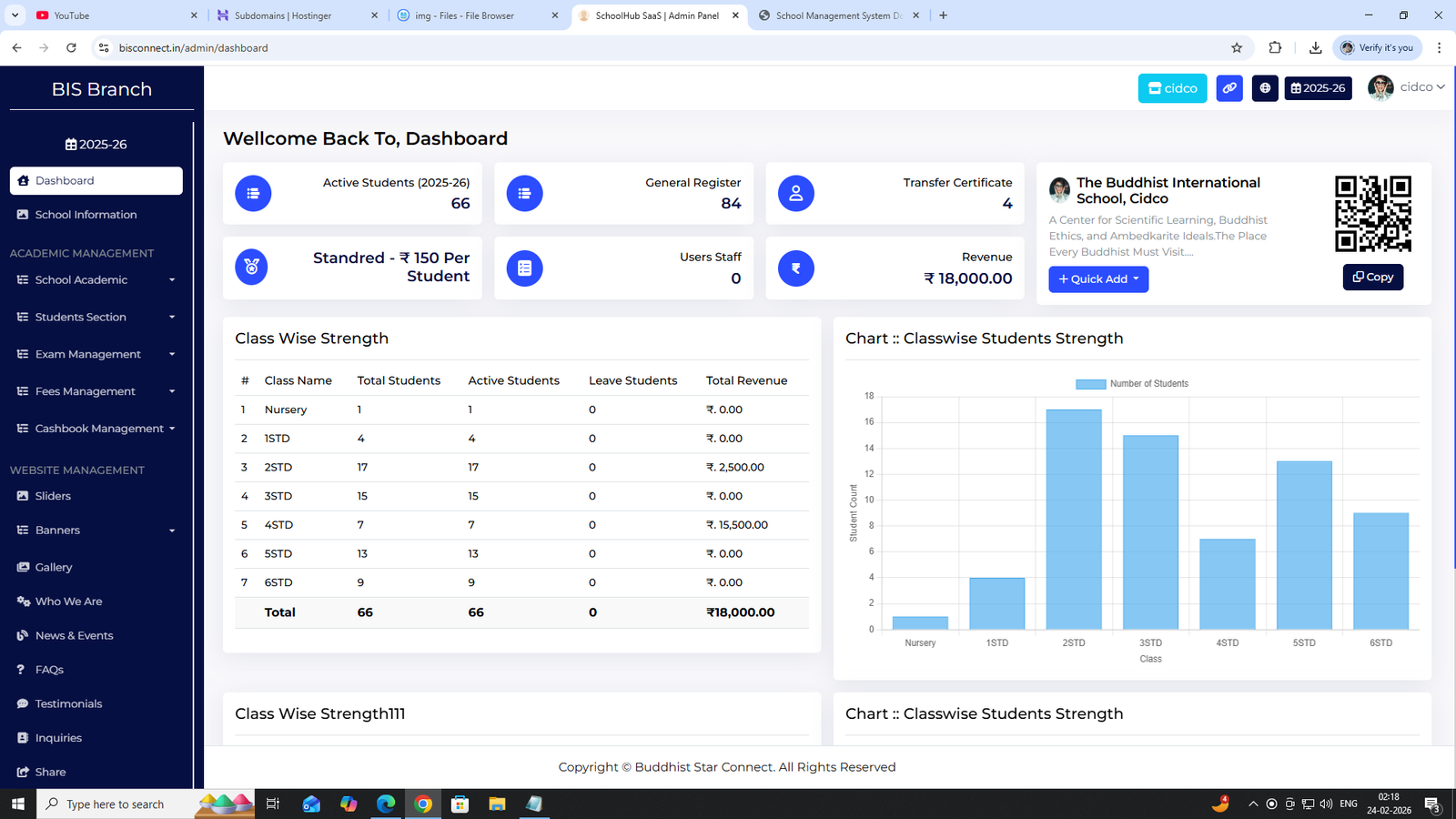
Dashboard
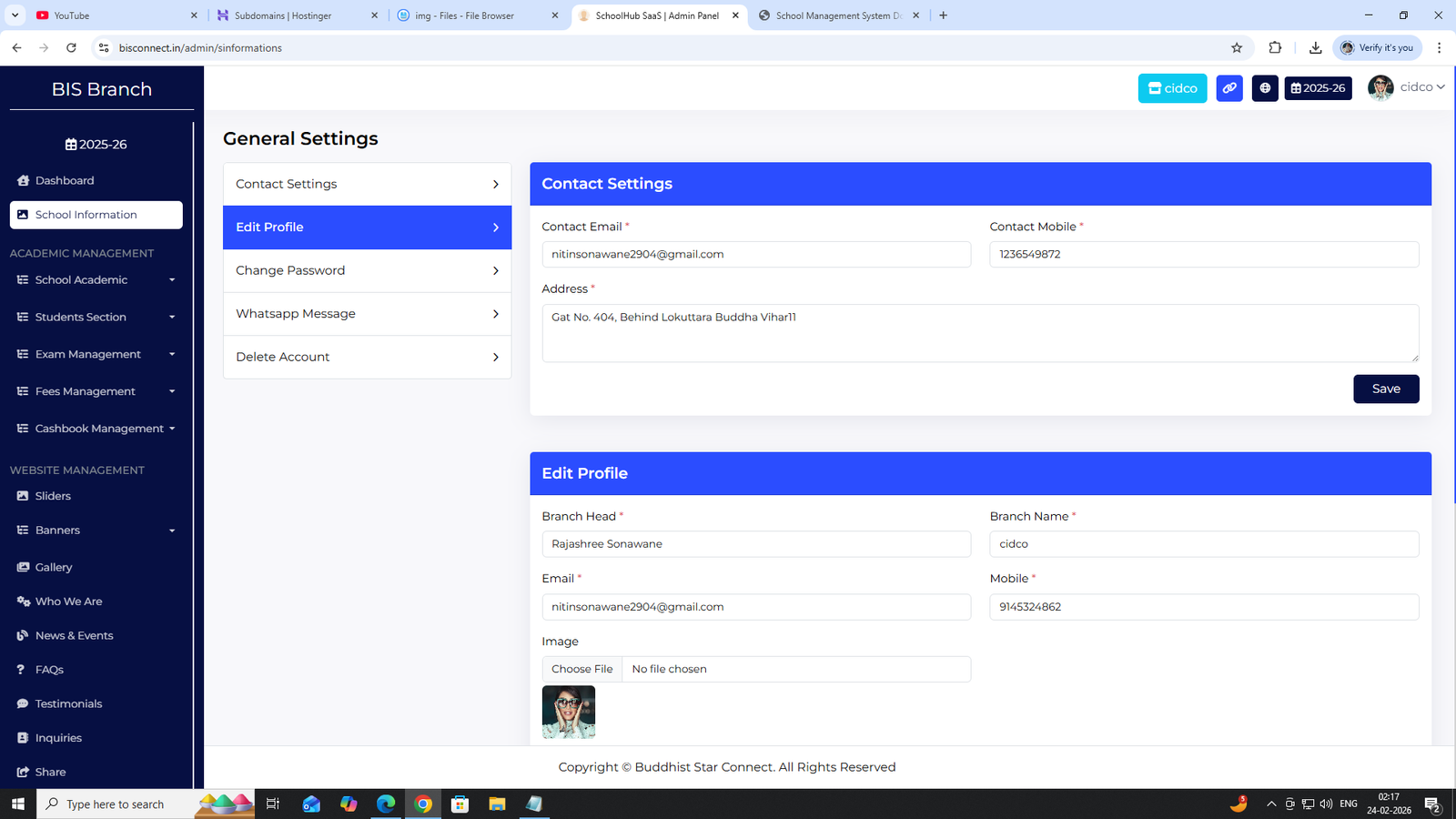
1. School Information
Manage basic school details such as name, address, contact details, academic year, and logo settings.
How to Use:
- Go to Admin Panel → School Information
- Update school details
- Click Save
2. Academic Management
Shift
Create Morning / Afternoon shifts for classes.
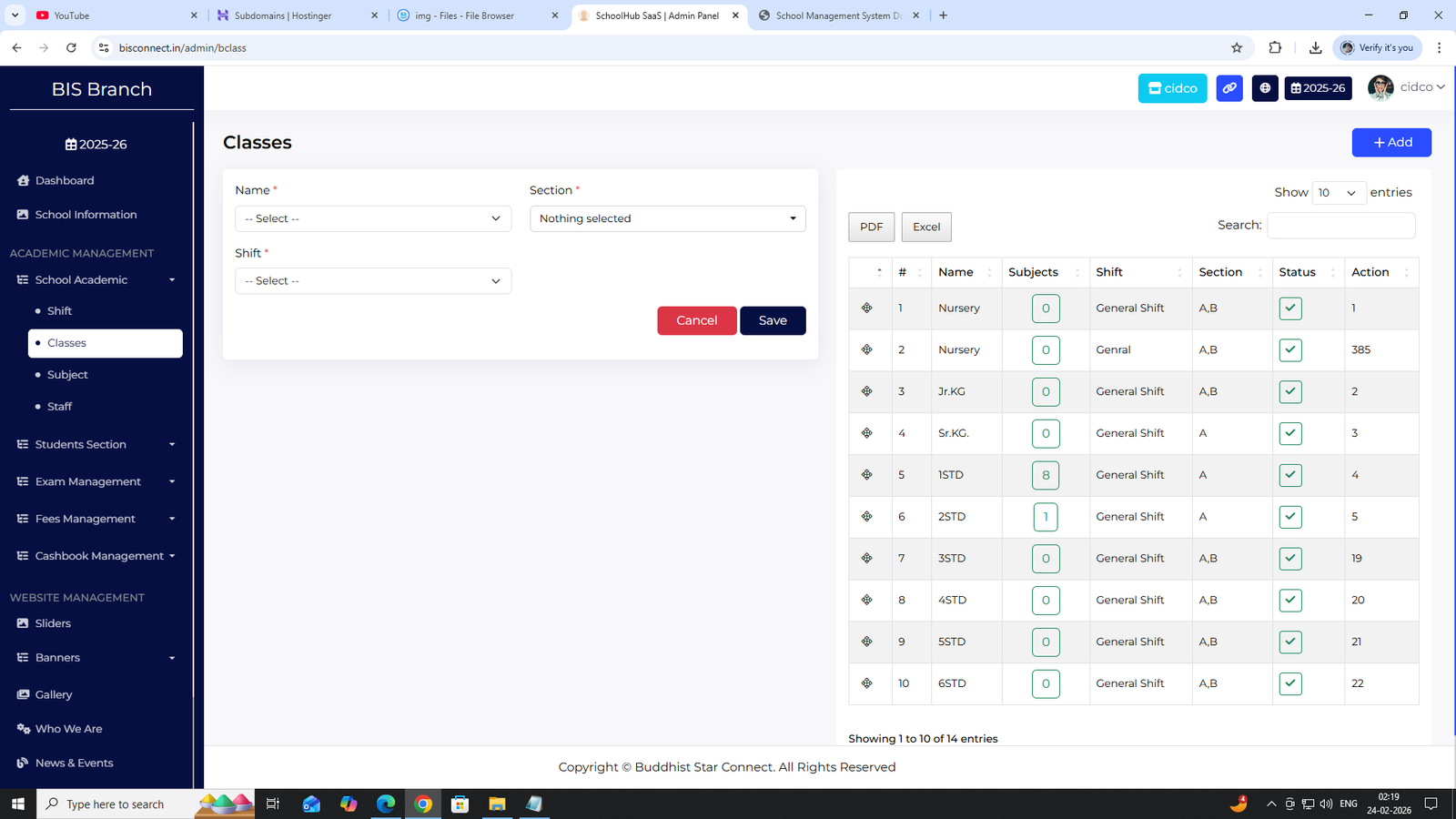
Classes
Add classes with sections (Nursery to 12th).
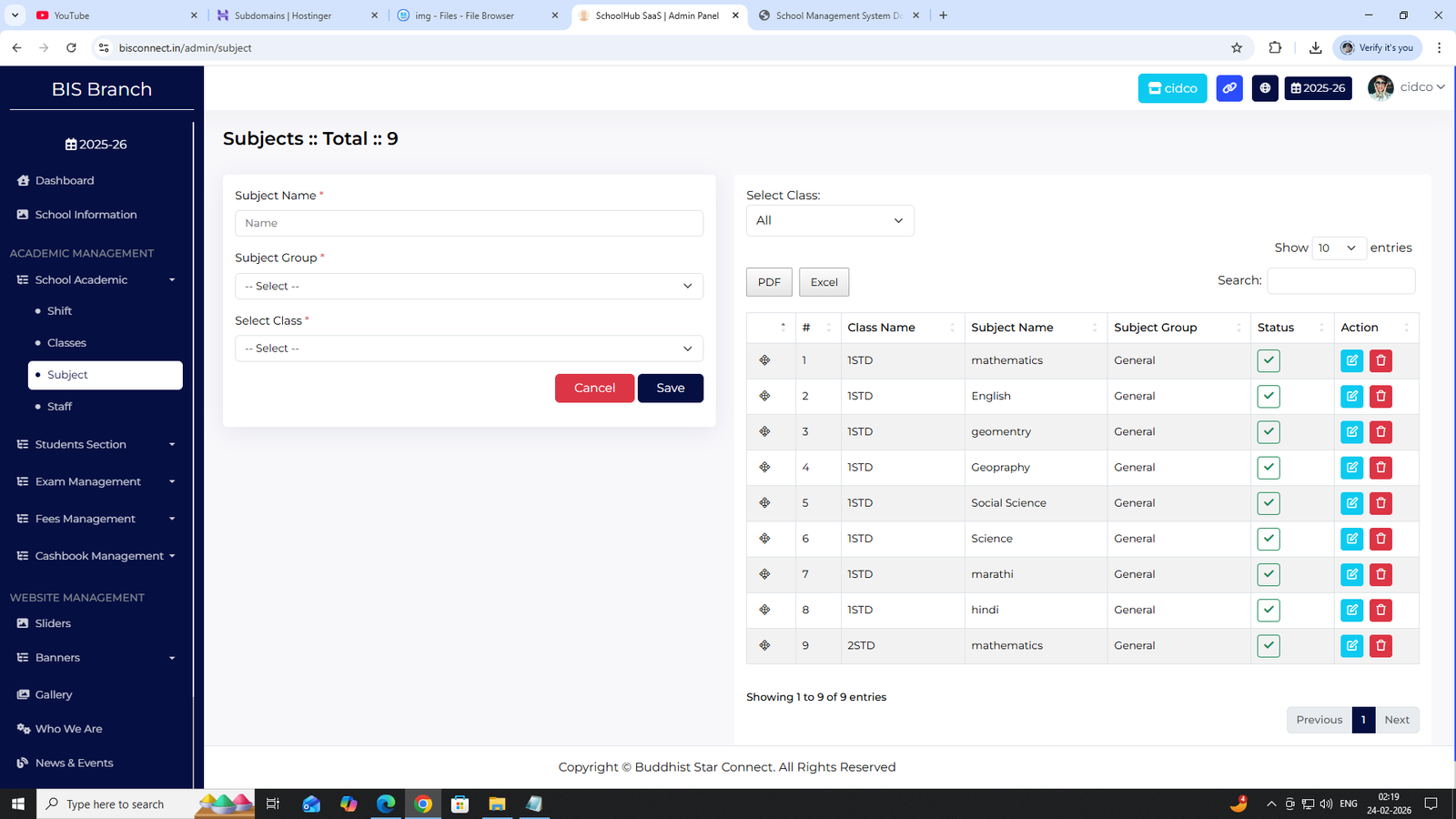
Subjects
Assign subjects class-wise.
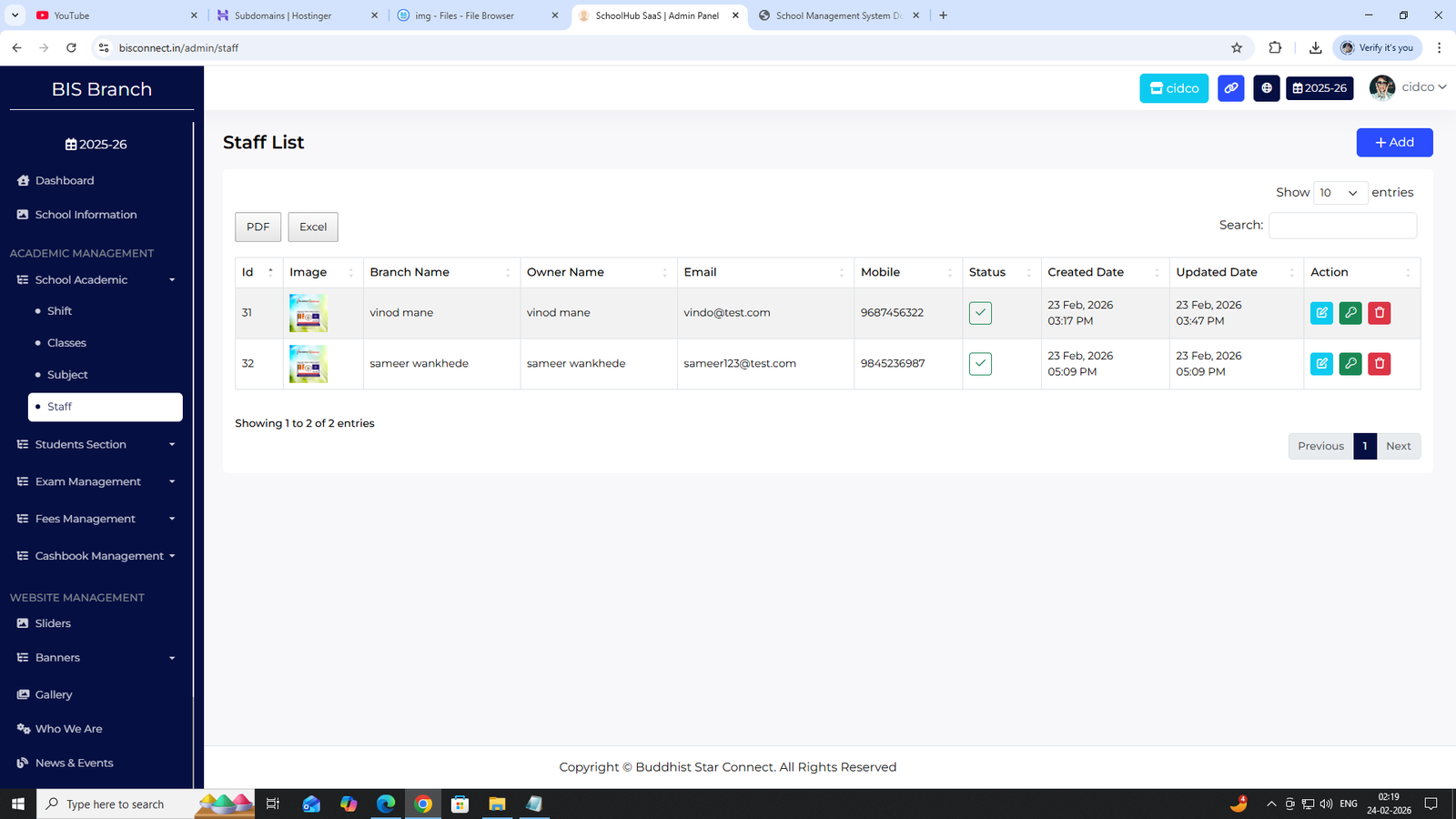
Staff
Add teaching and non-teaching staff.
3. Student Section
General Register
Maintain master student register record.
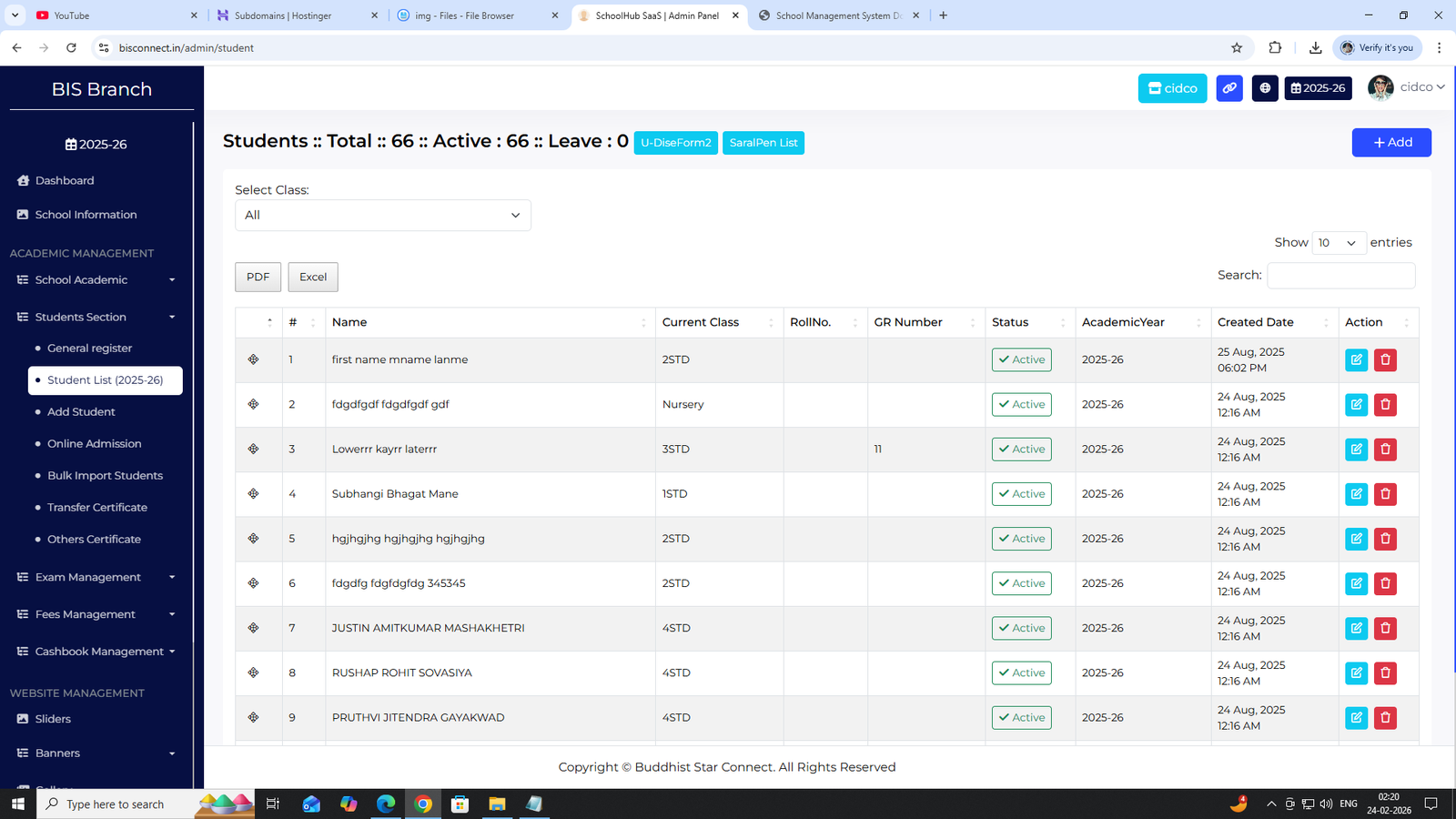
Student List (2025-26)
View academic year wise students.
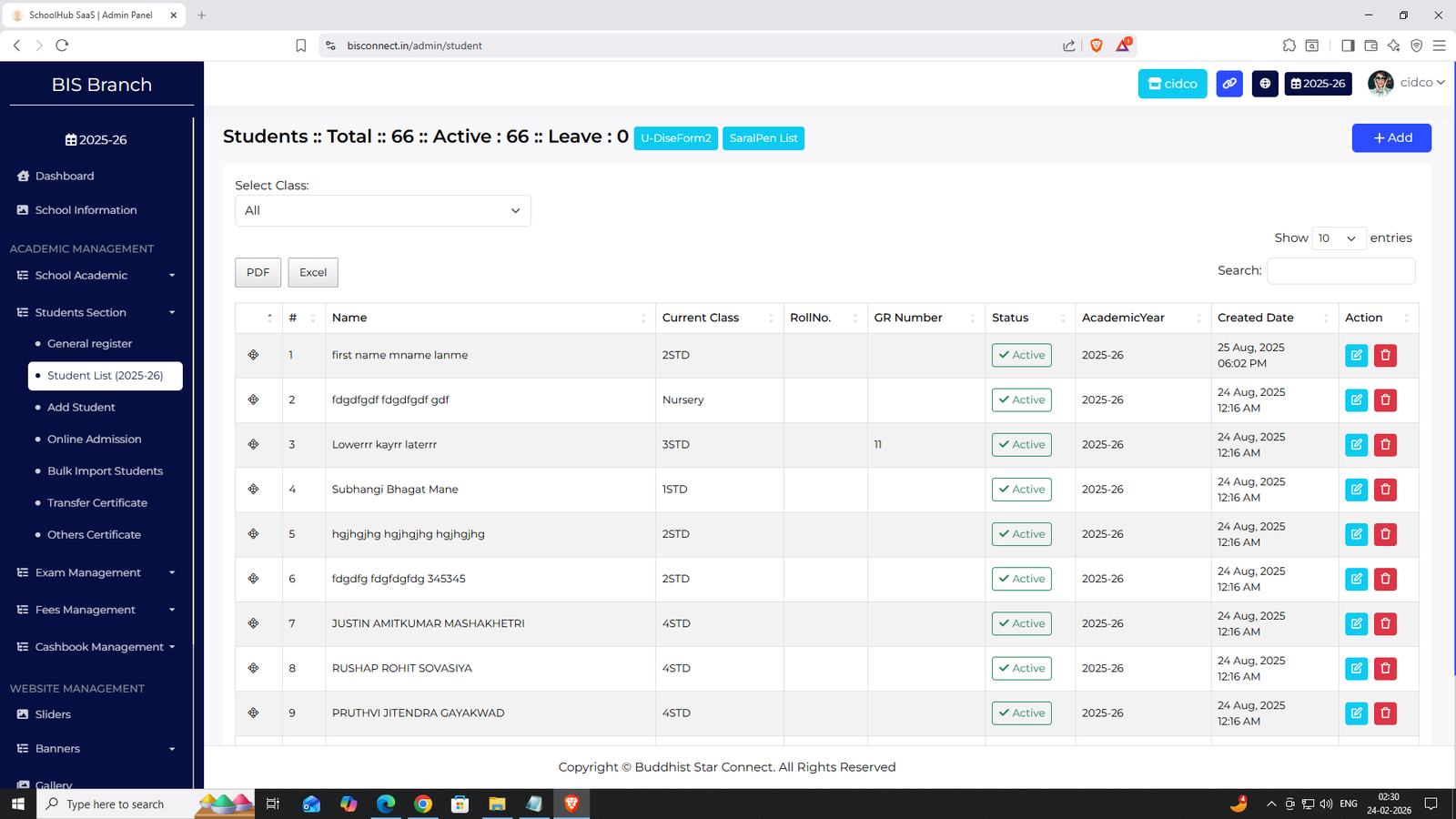
Add Student
Enter student details manually.
Online Admission
Parents can apply from website.
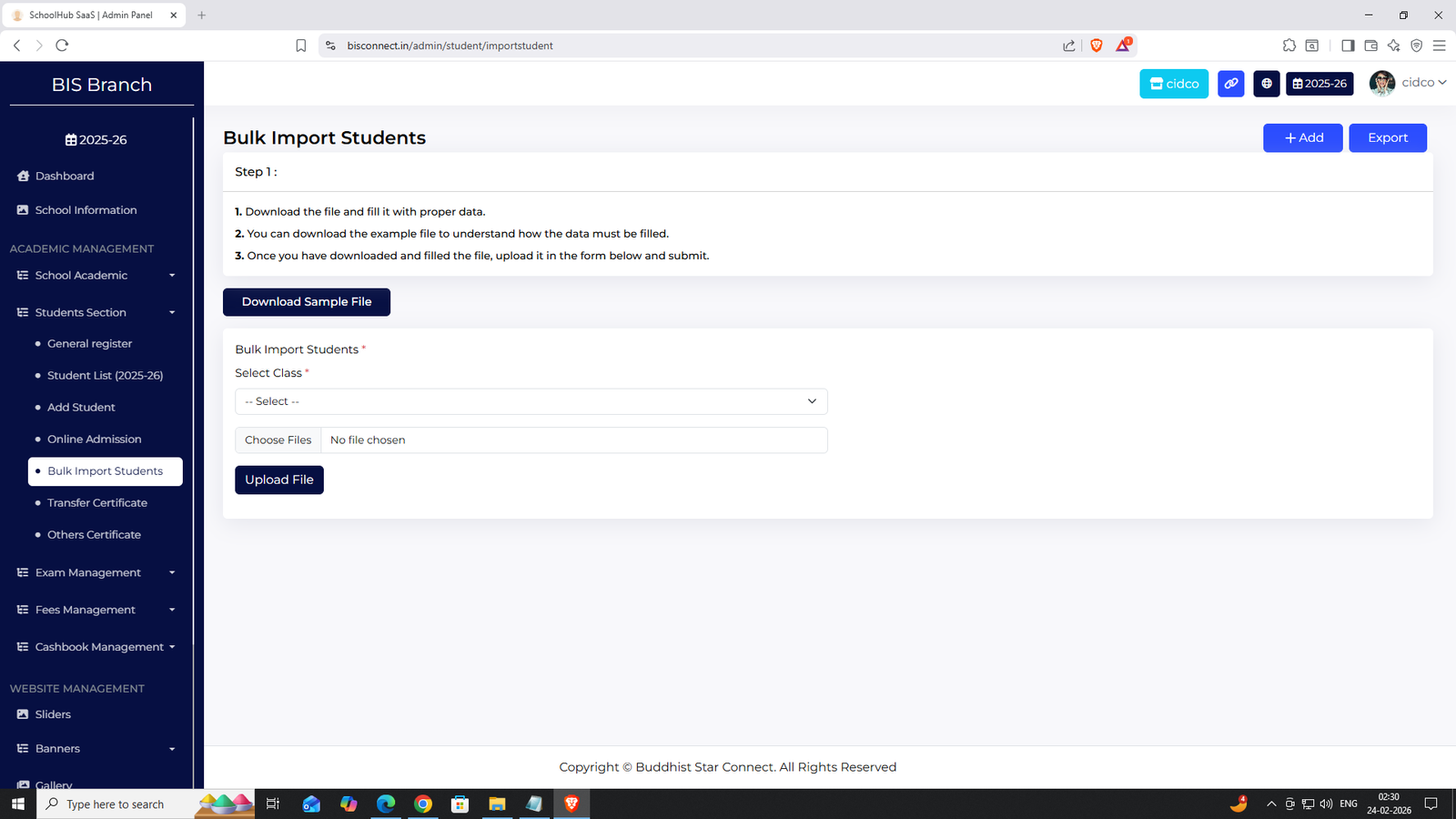
Bulk Import Students
Upload Excel file to import multiple students.
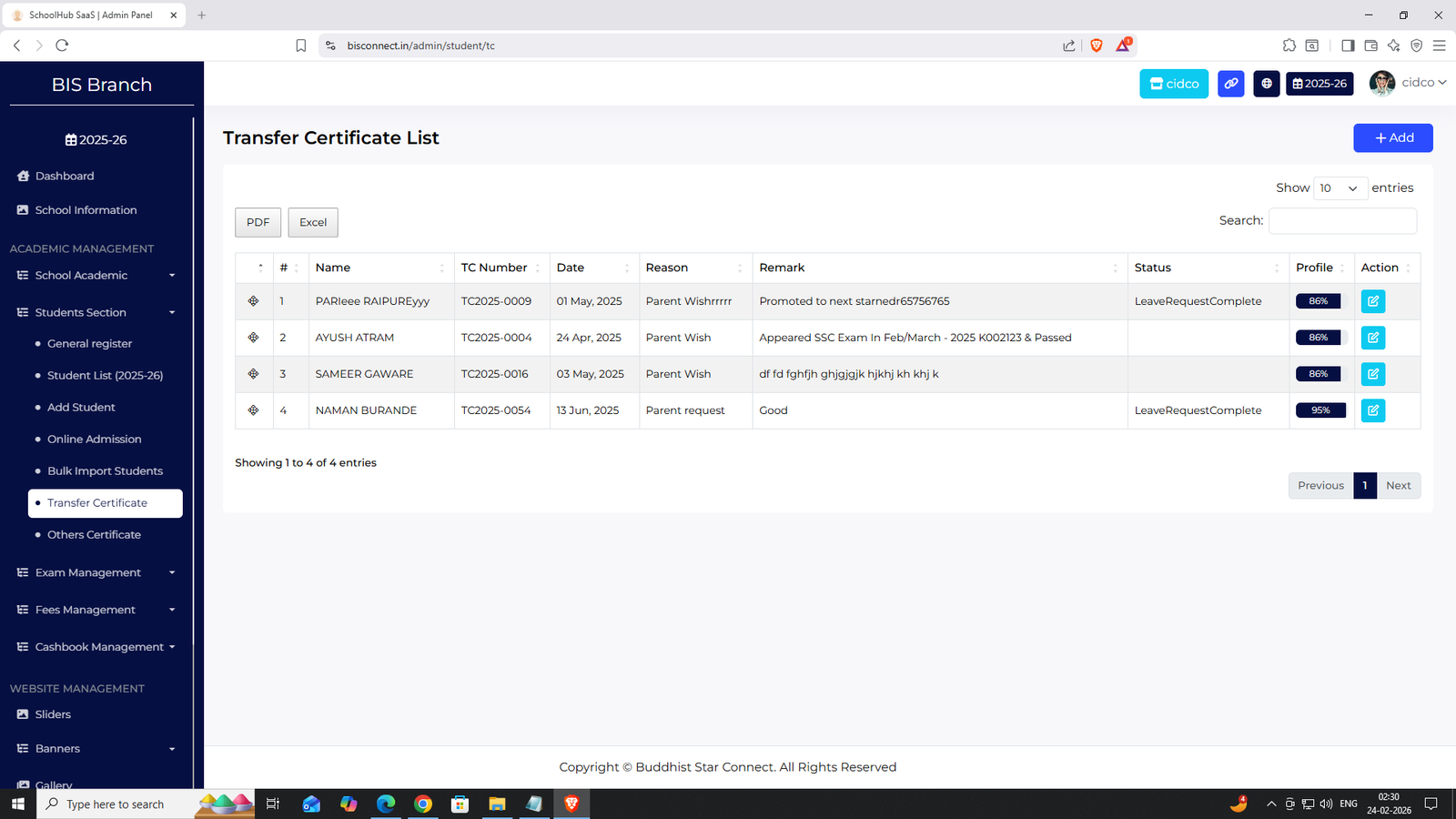
Certificate Requests
Handle Transfer & Other certificate requests.
4. Exam Management
Exam Terms
- 1 Unit Exam
- 2 Unit Exam
- 1 Term Exam
- 3 Unit Exam
- 4 Unit Exam
- 2 Term Exam
Exam Schedule
Create exam timetable class-wise.
Exam Marks
Select Exam Term + Class from dropdown and enter marks.
Marksheet Download
Generate and download PDF marksheet.

5. Fees Management
Fees Structure
Create class-wise fees:
- Admission Fees
- Tuition Fees
- Activity Fees
- Computer Fees
- Hostel Fees
Fees Collection
Collect fees and generate receipt.

6. Cashbook Management
Payment List
View all debit and credit entries.
Cashbook Monthly Summary
Check month-wise total income & expense with running balance.

7. Front Website Management
- Sliders
- Banners
- Gallery
- News & Events
- Blogs
- Students Achievement
- FAQs
- Testimonials
- Inquiries
All website sections are manageable from admin panel.
